
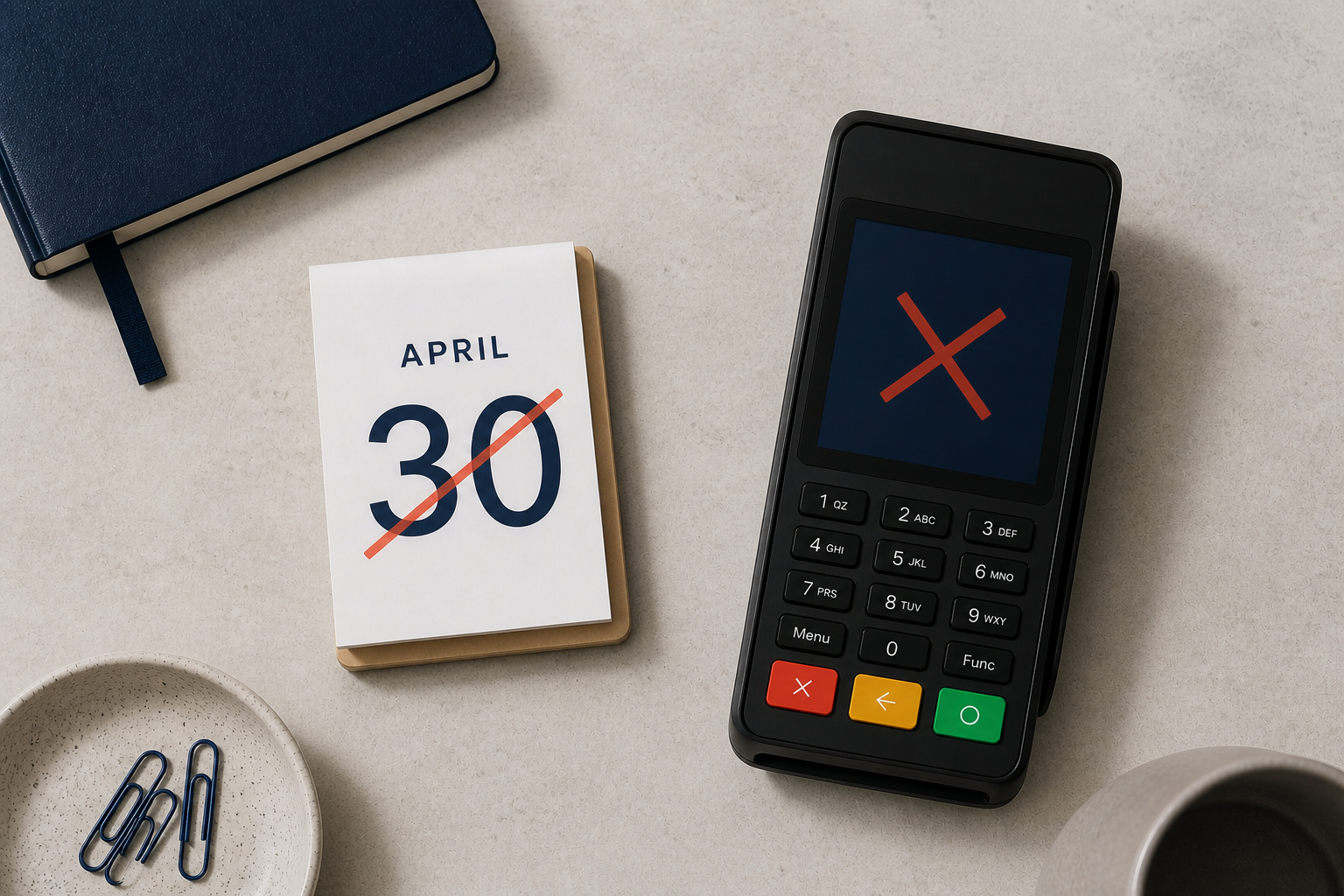
The 30 April 2026 deadline for PCI 4.X EFTPOS terminals has passed. Payments NZ has confirmed that any remaining devices on this standard are non-compliant and subject to disconnection from the network. If you're unsure whether your terminal is affected, here's how to check.
Step 1. Find your terminal model
Look at your EFTPOS machine to identify the brand and model number. Check the front of the device for a logo or printed model name.If it’s not visible, turn the terminal over and check the label or sticker on the back or underside.
Step 2. Check if your terminal is affected
Go to the Payments NZ Device Register and search your model. This register shows whether your terminal is compliant or due to expire. We’ve also created a handy checklist you can download. It lists all PCI 4.X devices in New Zealand that must be upgraded before April 2026.
Step 3. Contact your terminal provider immediately
If your device is on the list, contact your provider now. Don't wait — businesses that haven't yet upgraded risk having their terminal disconnected before a replacement is installed.
Need help?
Good news for Eftpos NZ customers: if you're with us on a subscription, your device is already compliant. If your terminal is PCI 4.X and you haven't been upgraded, the time to act is now. Get in touch with our team for advice and to sort your replacement today.
FAQs about PCI 4.X and the 2026 deadline
What happens if my terminal isn’t upgraded by 30 April 2026?
Your terminal is now non-compliant and subject to disconnection from the EFTPOS network. If it hasn't been disconnected yet, contact your provider immediately.
Who sets the deadline?
Payments NZ manages terminal compliance in New Zealand. They set the dates when each PCI standard expires.
Why do EFTPOS terminals have expiry dates?
As fraud risks and technology evolve, older standards become less secure. Sunset dates make sure businesses move to newer, more secure devices.
How do I know if my terminal is PCI 4.X?
Check the model number on your device, then search for it in the Payments NZ Device Register or download our checklist PDF.
Do I need to replace my terminal if I’m an Eftpos NZ customer?
No. If you’re on a subscription with us, you’re already compliant or we’ll send you a new terminal well before the deadline.
When should I upgrade?
The deadline has passed. If you're still on a PCI 4.x terminal, act now — disconnection can happen at any time.



Comments